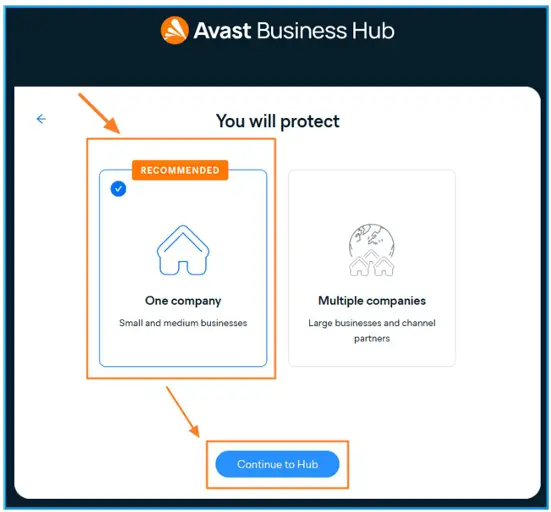
1. The AVG console system will send you an email invitation
Click on the 'Accept Invitation' button
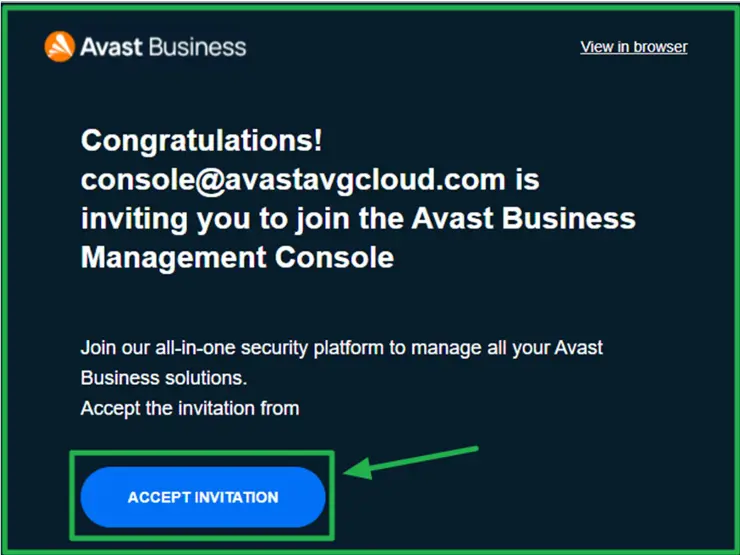
2. In the next screen, click 'Create an account'
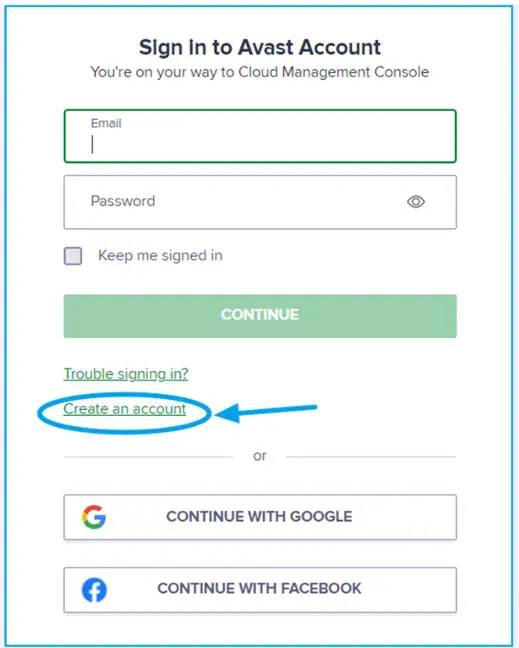
3. Then follow the wizard to finish your console account set up. After that you will enter the console dashboard.
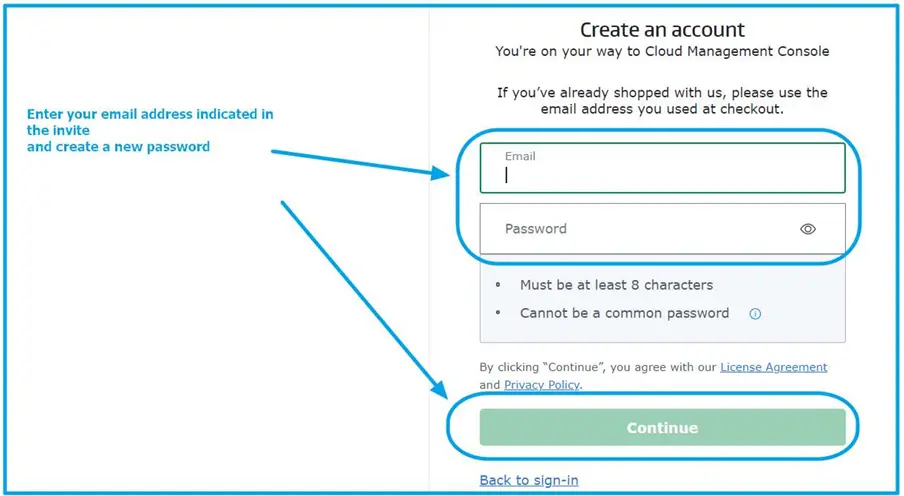
3a. If the following screen appears, select 'One company' and 'Continue to Hub'